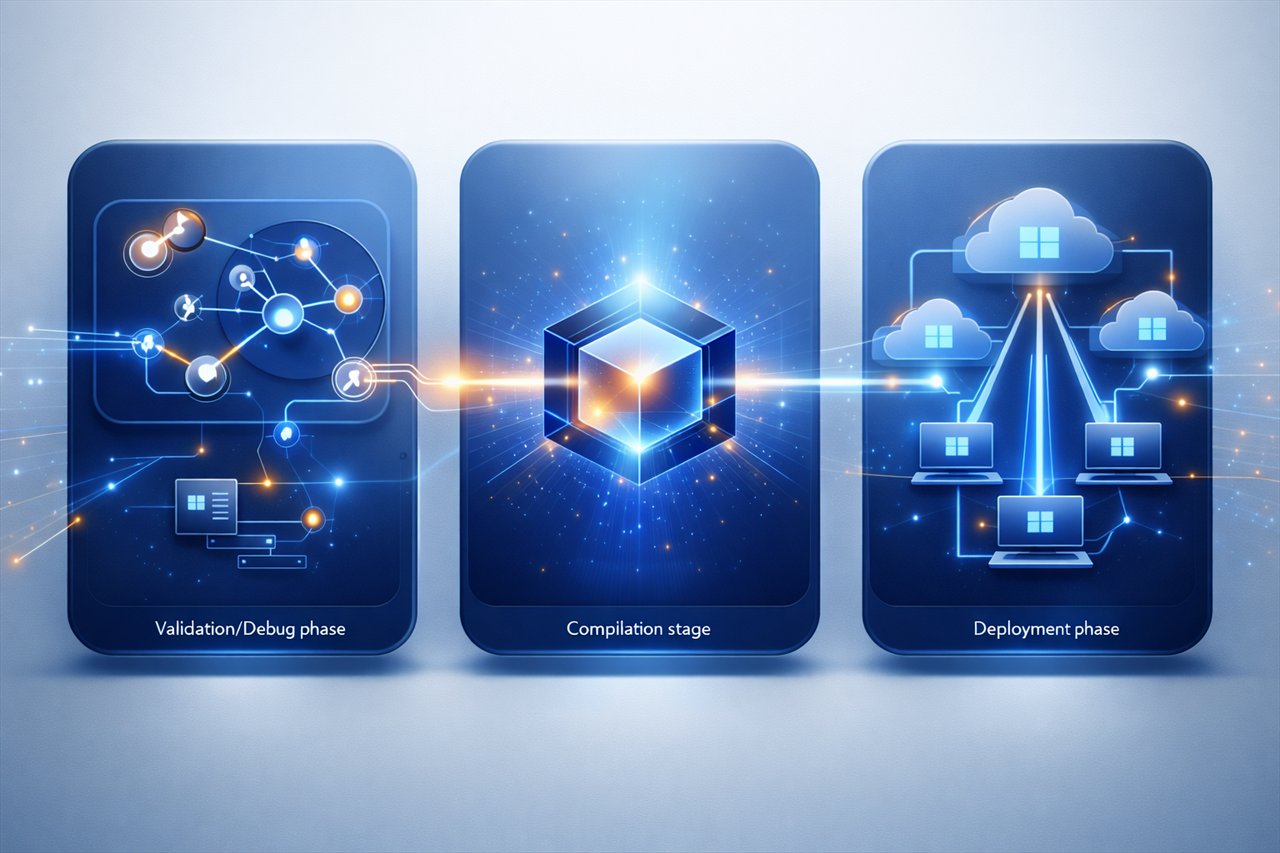
Windows Automation, Packaging, QA, And AI-Assisted Operations

One practical studio for repeatable Windows workflows.

Smart Package Robot helps technical teams record, script, test, compile, and run deployment, QA, desktop, and data workflows without building their own automation platform from scratch.

Best fit for:

  • IT admins standardizing installations and rollout steps
  • software packagers building repeatable deployment assets
  • QA teams automating regression and validation routines
  • operations teams connecting AI planning with local execution

Navigate the evaluation flow:

Who It Fits Proof How It Works Use Cases Resources

What SPR Is, And What It Is Not

Make the product fit clear before diving into details.
What SPR Is

A Windows automation studio for teams that need repeatable packaging, desktop control, QA execution, file workflows, and operational scripting with a practical editor-first workflow.

  • record and refine workflow steps
  • compile to standalone executables
  • combine scripts with local MCP and AI-assisted flows
  • operate in practical, operator-friendly environments

What SPR Is Not

It is not a generic no-code website builder or a cloud-only orchestration suite. It is built for technical teams that need control over Windows-side execution and deployment-oriented workflows.

  • not focused on casual consumer automation
  • not limited to browser macros
  • not dependent on a remote SaaS runtime for core use
  • not just a script language without tooling
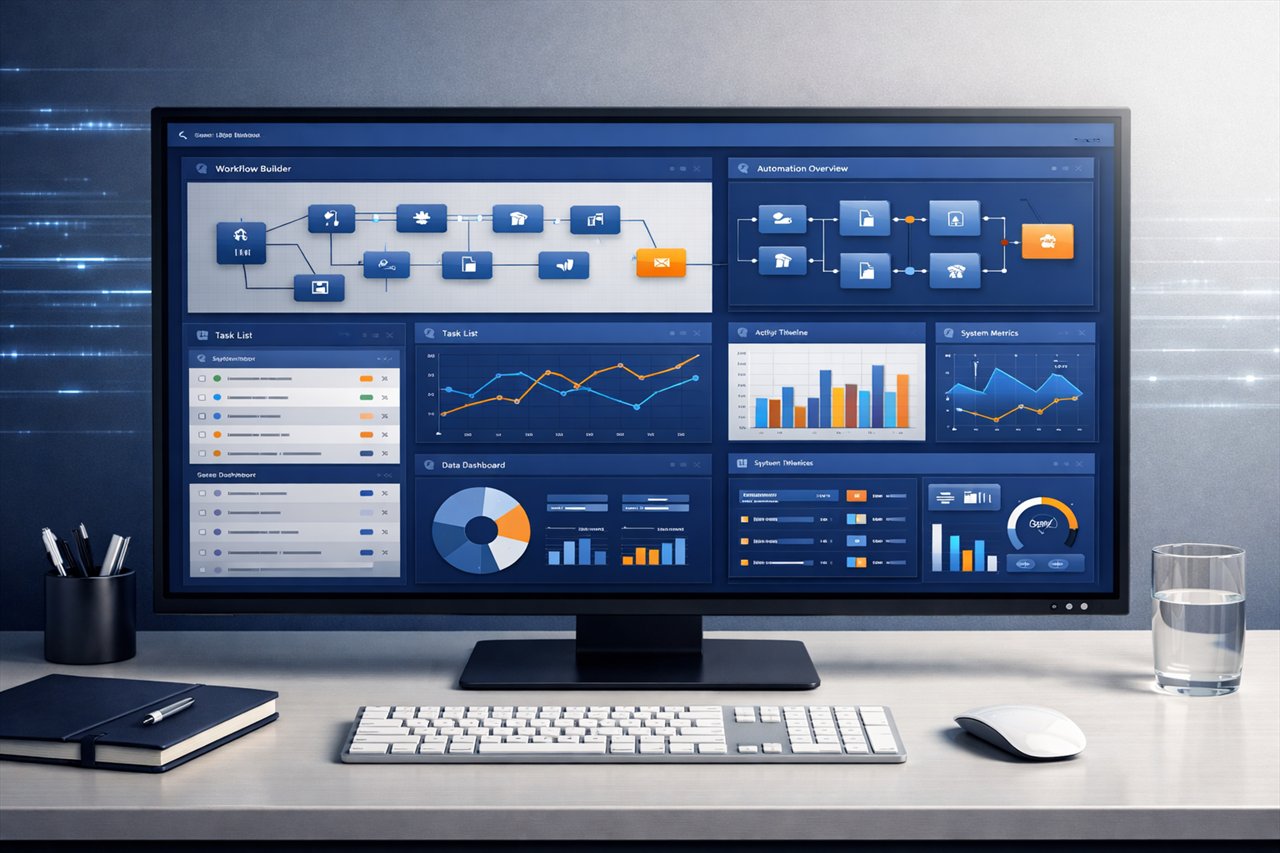
SPR automation overview dashboard

SPR combines recording, scripting, validation, packaging, and execution in one operational workflow.

Why Technical Buyers Choose SPR

Position the product around practical operational outcomes, not generic software claims.

Packaging + Deployment

Standardize installs, rollout steps, and packaging routines for repeatable delivery.

Regression QA

Run repeatable desktop and application checks with a workflow teams can inspect and refine.

Compile-To-EXE

Move from script logic to deployable executables for more controlled operational use.

AI + MCP Bridge

Use models for reasoning while keeping concrete actions local, scriptable, and deterministic.

Operational Value

A practical workflow from first action to production use.

SPR is strongest when your team needs a repeatable, inspectable path from recorded action to validated and deployable automation.

Visual WYSIWYG Automation

Start with real operator workflows, not abstract diagrams.

Record keyboard and mouse actions, refine them in the SPR editor, and turn repeatable sequences into maintainable operational assets.

Explore Features Get The Installer
SPR visual editor and automation workflow

Control Deployment And Validation

Use the same toolchain for rollout tasks and QA routines.

Technical buyers can standardize repetitive installs, application checks, file operations, and controlled maintenance workflows instead of relying on loosely documented manual sequences.

SPR deployment workflow example

Connect AI Reasoning To Local Execution

Plan with modern models, execute with deterministic local tools.

SPR and SindByte extend the stack with MCP-driven workflows so teams can bridge reasoning, automation commands, and operational actions without losing local control.

AI bridge to local execution with SPR

Use Cases With Immediate Fit

Translate product capability into real team scenarios.

Software Packaging

Create repeatable install and rollout steps for client or internal environments.

Regression Testing

Validate UI and application flows with a practical automation toolchain.

Data And File Workflows

Automate file handling, repetitive data preparation, and scheduled operator tasks.

AI-Assisted Operations

Use models for planning while routing concrete actions through local automation and MCP tooling.

How The Evaluation Path Works

A simple path from first understanding to trial and rollout.

1. Understand Fit

Review features, workflow model, and operational use cases.

2. Download

Choose the installer, release notes, or sample resources that match your evaluation goal.

3. Learn

Use web-help, manuals, commands, and tutorials to shorten the ramp-up time.

4. Operationalize

Move from pilot workflow to repeatable internal or customer-side automation.

Resources And Next Steps

Choose your next evaluation step instead of hunting through pages.
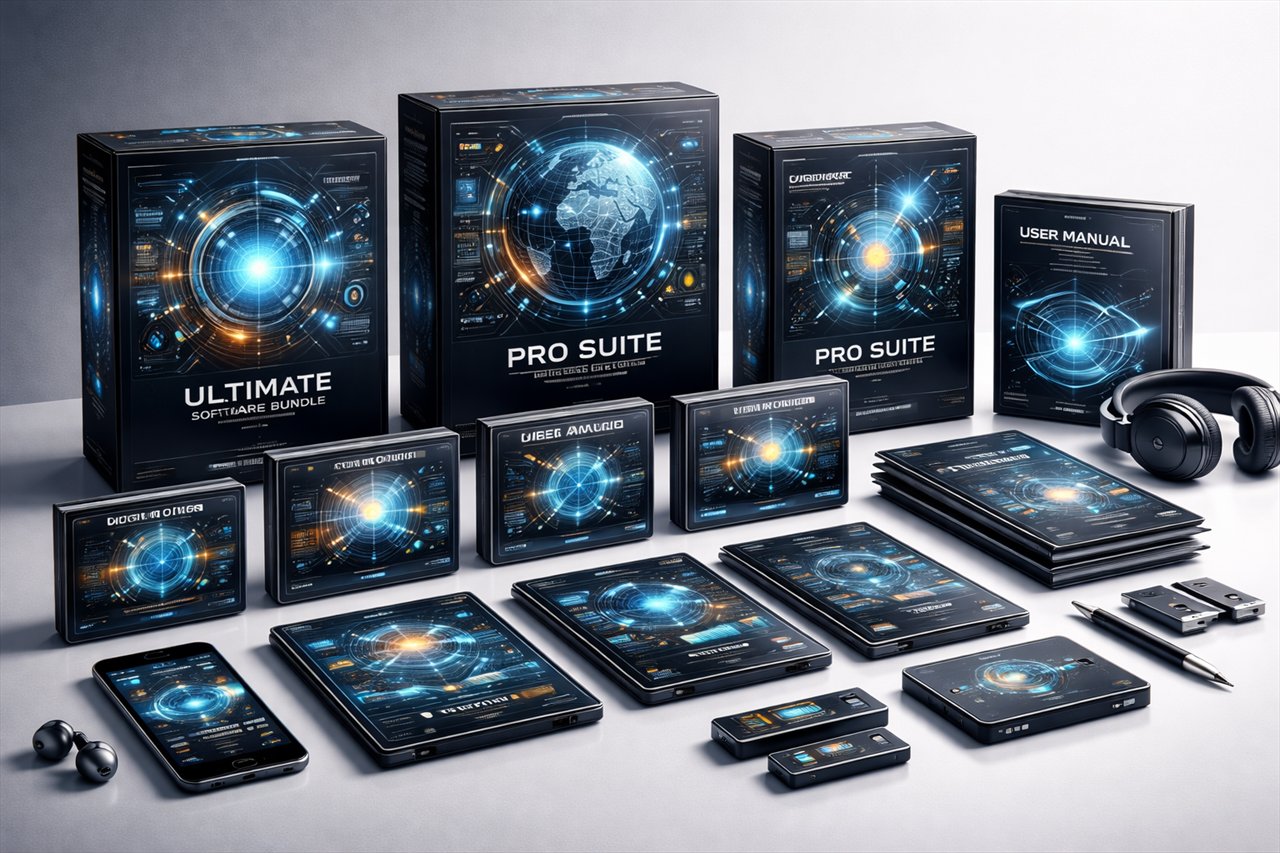
SPR downloads and resources

Installers, manuals, command references, and sample packages arranged around a technical evaluation flow.

Talk To The Team

If you need help with downloads, licensing, or technical fit, contact: